

Twitter banner and header maker, sized 1500 x 500, with a QR code that saves your contact
Make a Twitter banner for your X profile at the right size, 1500 x 500. Add a QR code, and anyone who scans it can save your contact in one tap.
Free, no watermark, no design skills needed. Ready in about a minute.
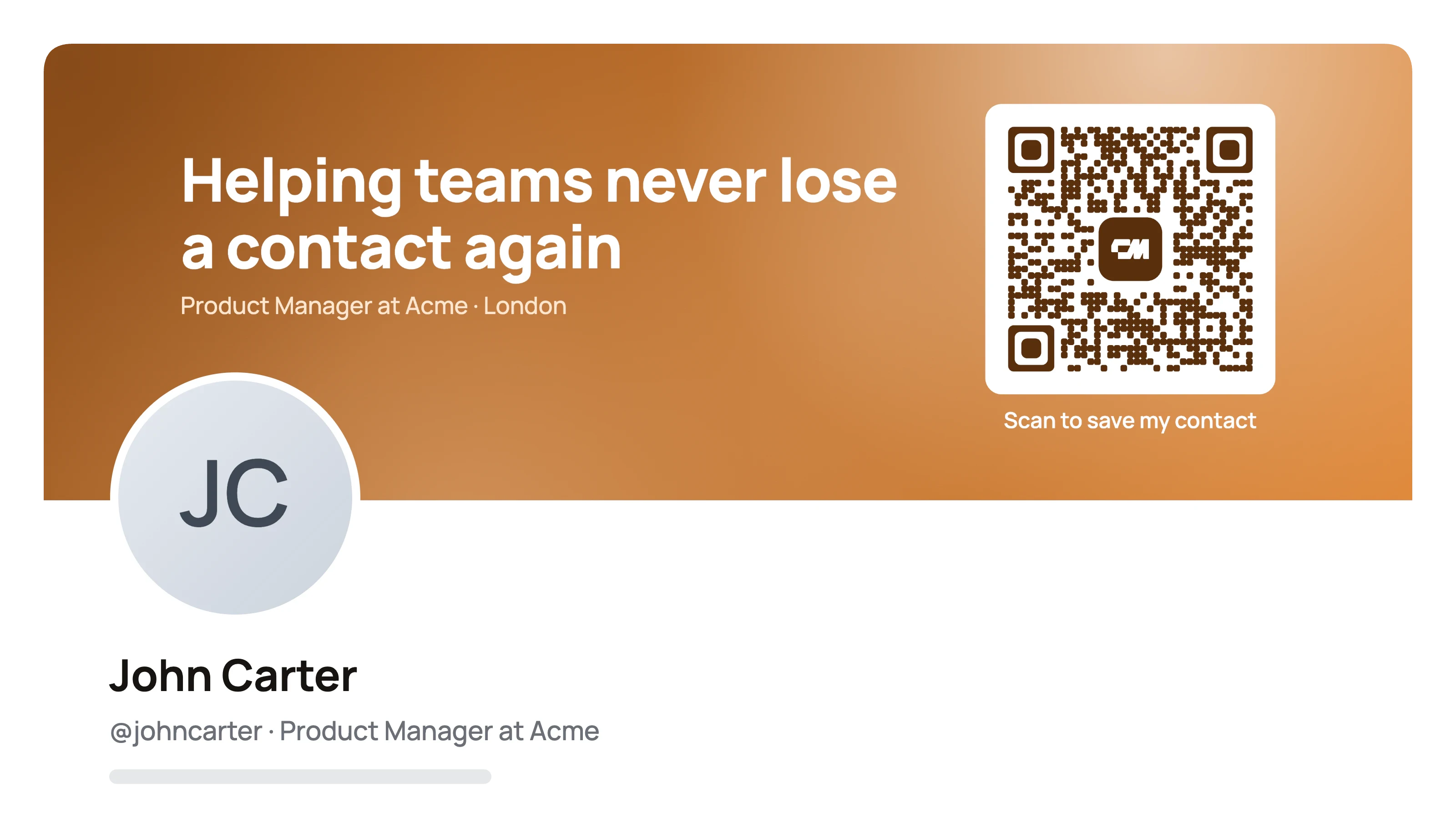
A Twitter header maker is a tool that builds the wide image across the top of your X profile, called the header or banner, at the 1500 x 500 pixel size X recommends. This one is free, adds no watermark, and puts a QR code on the header that opens your contact details.
You write one headline and an optional second line, pick one of ten colour templates or enter your brand colour, and download a PNG. The layout keeps text inside the strip every screen shows and leaves the lower left clear for your profile photo.
How to make a Twitter header
Five steps, and the header comes out at 1500 x 500 every time.
- 01
Write your headline. One short line about what you do, such as Product designer for fintech apps. Add an optional second line.
- 02
Pick a template and colours. Choose a colour template, or enter your own brand colour, and a texture.
- 03
Add your QR code. Enter your name, phone, email and profile link. The QR code opens a card with these details and a Save contact button.
- 04
Check the preview. It shows where your profile photo sits and which strip phones may crop.
- 05
Download and upload. Download the 1500 x 500 PNG and set it as your header on X.
What is a Twitter header, or X banner?
A Twitter header is the wide image across the top of your profile. X calls it the header photo, and people also call it a Twitter banner, X banner or cover photo. They all mean the same 1500 x 500 image.
The default grey header says nothing. A good one tells visitors in a few words what you do or what to contact you about, in your own colours, so a profile visit turns into a follow, a message or a saved contact.
Twitter header templates and banner ideas by profession
Every example below was made with this Twitter header maker. Use one as a starting point and put your own words on it.
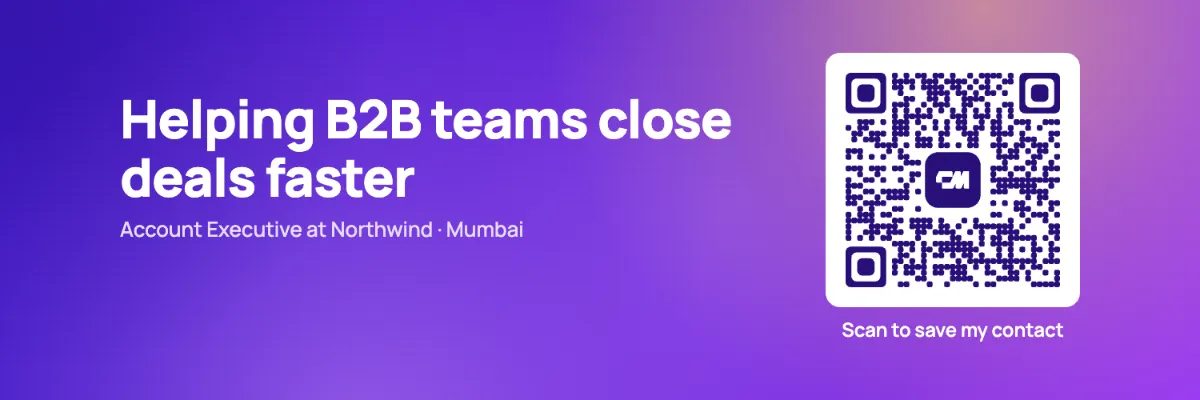
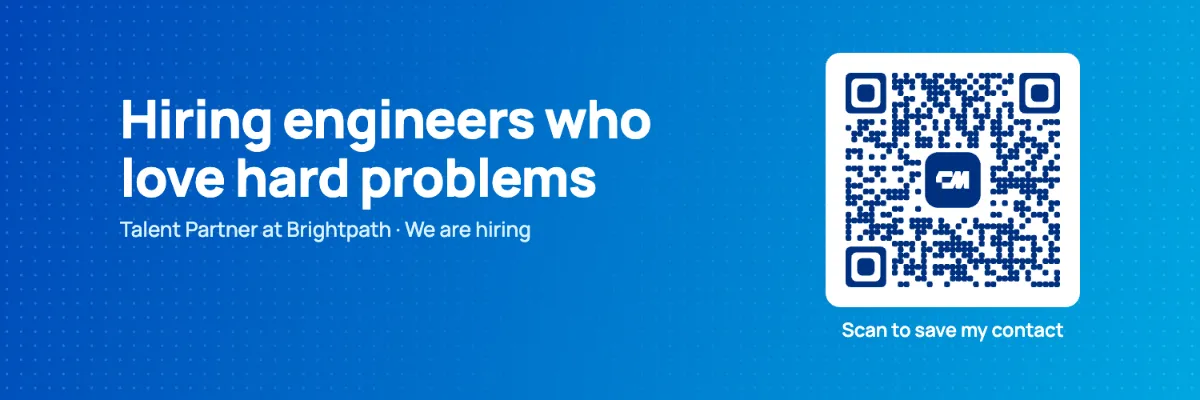
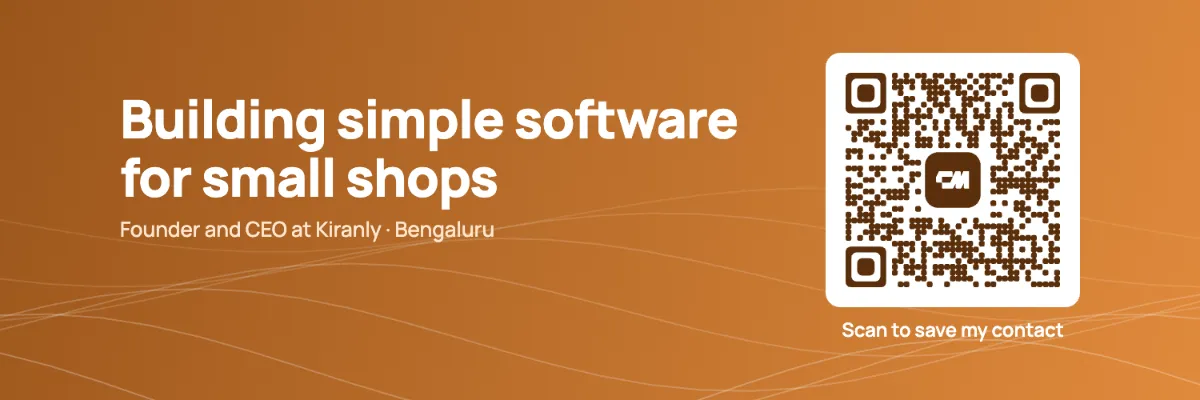
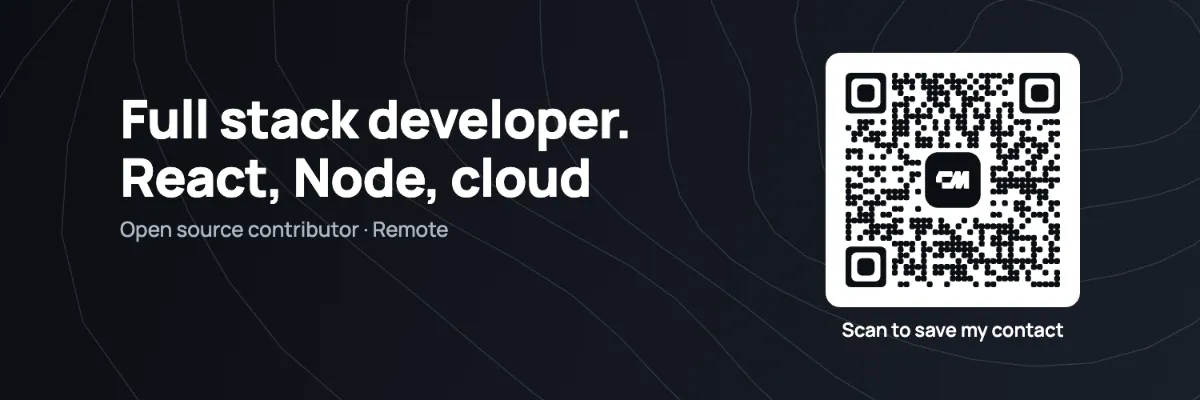
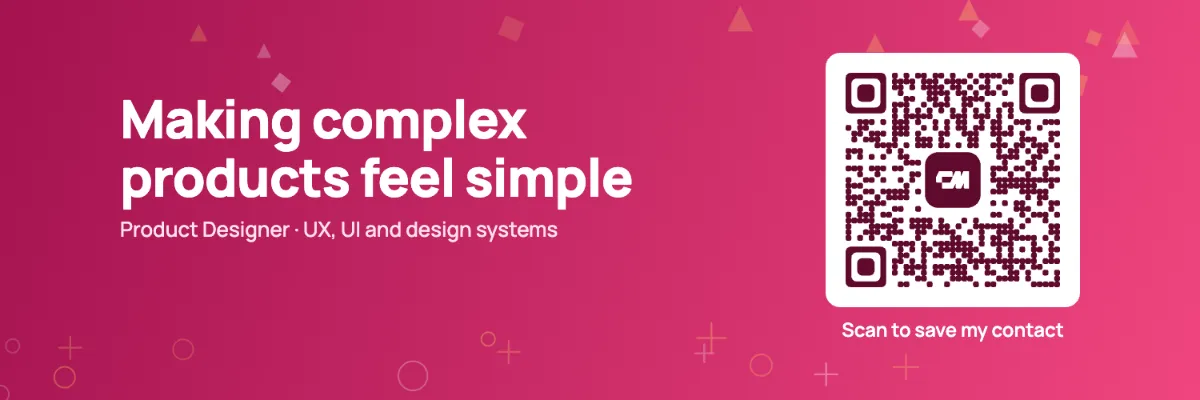
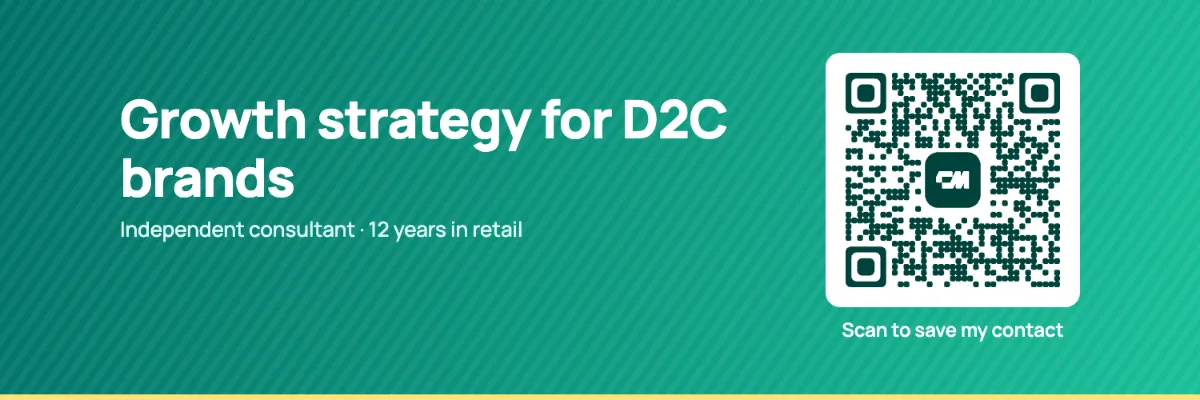
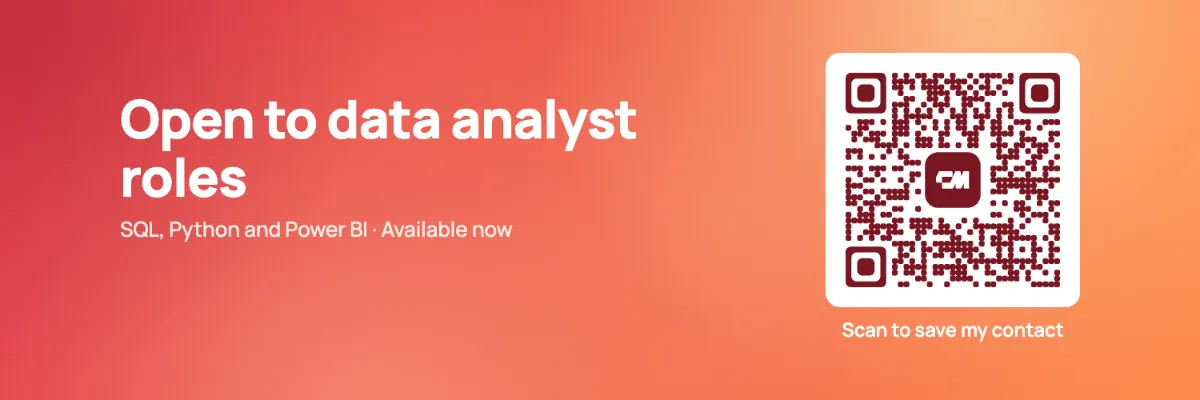
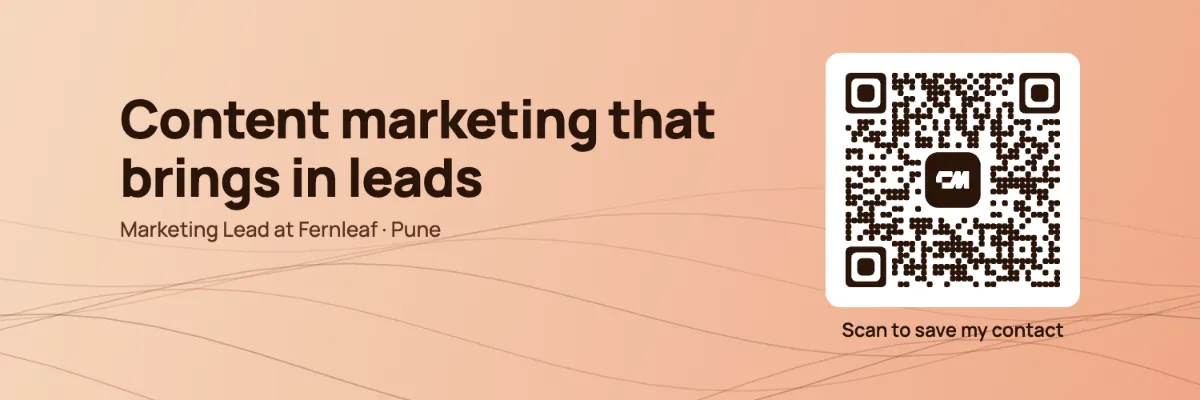
Twitter banner size (Twitter header size)
The Twitter banner size, also called the Twitter header size, is 1500 x 500 pixels, a 3 to 1 ratio. The X header size is the same. X says up to 60 pixels at the top and bottom can be cropped, depending on the screen and browser.
| Twitter (X) header | |
|---|---|
| Recommended size | 1500 x 500 pixels |
| Aspect ratio | 3 to 1 |
| Safe area | Centre 1250 x 400 pixels |
| May be cropped | Up to 60 pixels at the top and bottom |
| Covered by your profile photo | Lower left |
| File types | PNG or JPG |
Every header made here is laid out inside the safe area, so your text and QR code stay visible on phones and computers.
Where your profile photo overlaps the header
Your round profile photo sits over the lower left of the header. Anything placed there is hidden behind it. Headers made here keep that corner clear, put your headline in the centre and place the QR code on the right.
While you design, switch on Show profile photo and safe area to see exactly where it will fall.
What to put on your Twitter header
- One line about what you do.
- Keep it under eight words so it reads on a phone.
- Proof, if you have it.
- A launch, a book, a podcast or a talk you are giving.
- A way to connect.
- A QR code that opens your contact card, so people at events can save you without typing.
- Your brand colours.
- Match your website so your profile feels like part of the same brand.
Match your Twitter header to your brand colours
Pick from ten colour templates, from violet, ocean blue, coral and magenta to classic ink and paper, and one of eight textures. Or choose Your brand colour and enter any colour. The maker builds a matching gradient, picks white or dark text so your headline stays readable, and shades the QR code to match.
Using the same colour on your header, your website and your business card makes your profile easy to recognise.
Why put a QR code on your Twitter header
At a meetup or conference, people often open your profile to connect. A QR code on your header lets someone scan it from your screen and save your name, number and email straight to their contacts.
The code opens your free ConnectMachine card, which has a Save contact button. Because it points to the card rather than holding your details, you can change your number or job later and the header keeps working. Put it on the right side, away from your profile photo, and keep it large enough to scan from a screen.
Want people to share their details back with you? That two-way exchange happens in the ConnectMachine app.
Twitter header mistakes to avoid
- Text near the top or bottom edge.
- Up to 60 pixels there may be cropped.
- Important content in the lower left.
- Your profile photo covers it.
- Too many words.
- Phones show the header small. One line beats a paragraph.
- A blurry image.
- Upload at 1500 x 500 or larger, never a small image stretched.
- A QR code that is too small.
- If it is tiny on screen, phones struggle to read it.
How to change your Twitter header
- 01
Open Edit profile. On X, open your profile and select Edit profile.
- 02
Select the camera icon. It sits on the header at the top of the edit screen.
- 03
Upload your header. Choose the PNG you downloaded here and adjust the position if needed.
- 04
Save it. Select Apply, then Save.
Once it is up, scan the QR code on your live profile from another device to make sure it reads.
Make the same banner for LinkedIn, Facebook and YouTube
Choose a platform at the top of the maker, or download every size at once. Each version is laid out for that platform's safe area.
| Platform | Download size | Safe area |
|---|---|---|
| Twitter (X) header | 1500 x 500 pixels | Centre 1250 x 400 |
| LinkedIn banner | 1584 x 396 pixels | Right two thirds |
| Facebook cover photo | 1640 x 624 pixels | Centre 1280 x 624 |
| YouTube channel banner | 2560 x 1440 pixels | Centre 1546 x 423 |
LinkedIn: select the camera icon on your cover image and upload the LinkedIn PNG. Facebook: open your profile or Page, select Edit cover photo, then Upload photo. YouTube: in YouTube Studio open Customization, then Profile, and change the Banner image.
Frequently asked questions
Short answers about size, cropping and the QR code.
1500 x 500 pixels, a 3 to 1 ratio, for both the banner and the header, which are the same image. Keep important content in the centre 1250 x 400 pixels.
Your header starts the conversation. Your card keeps it going.
A free ConnectMachine card holds your number, email and links on one page with a Save contact button, and you can update it any time.
Get ConnectMachine first on Google
Add us as a preferred source and our free tools show up higher the next time you search.