

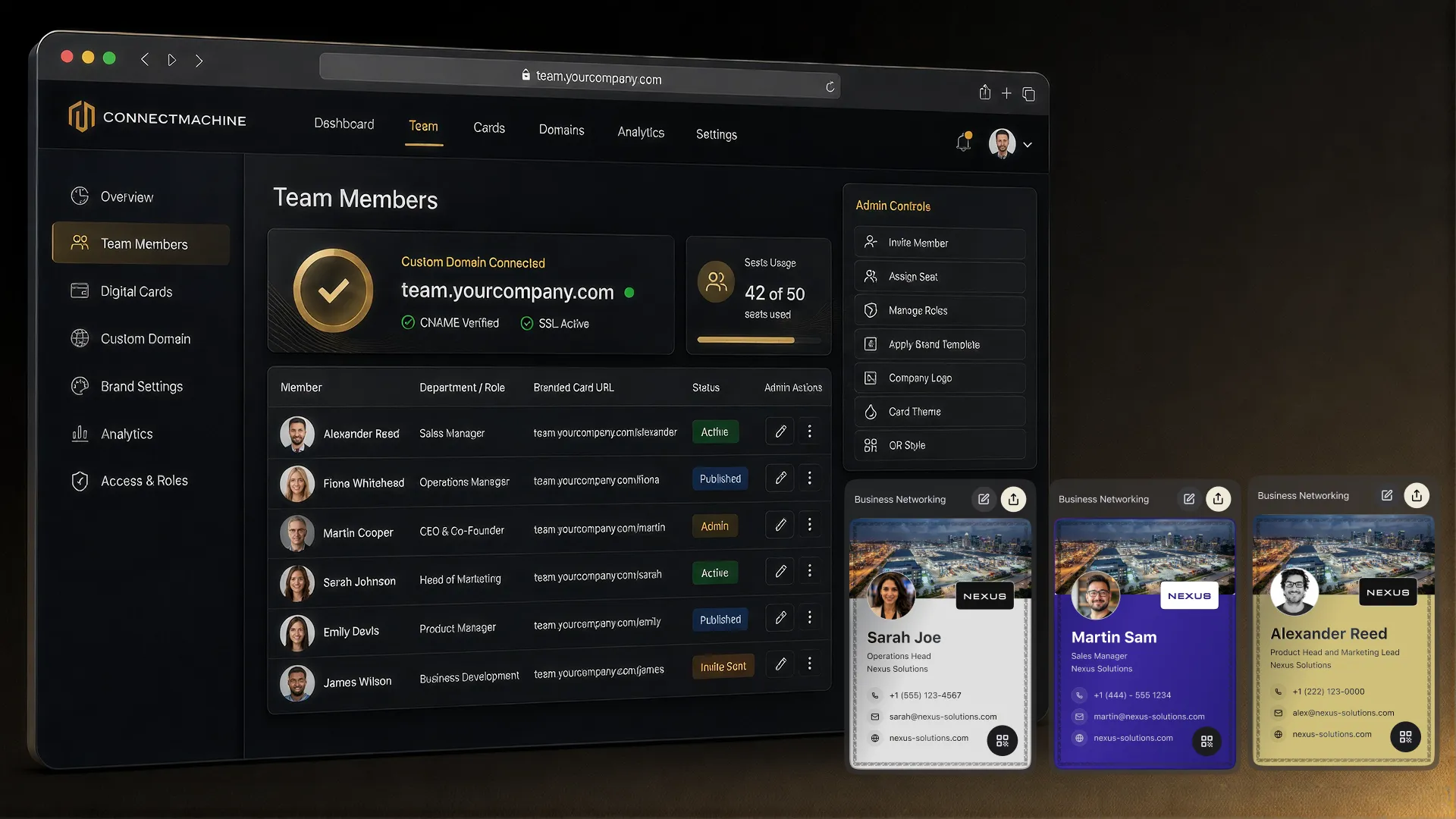
Every digital business card platform looks similar on a feature grid: a card, a QR code, some templates, a paid tier. The grid is not where the differences live. They live in what happens to your contact data, how much friction the recipient faces, and whether the platform fits the way you actually meet people.
So start with yourself rather than the grid. A field sales rep collecting sixty leads a week, a consultant who meets four people a month, and an IT admin rolling out cards to five hundred employees are three completely different buyers, and the right answer differs for each.
Below: how to diagnose which buyer you are, the criteria worth weighing, the red flags, and an honest section on where ConnectMachine is the wrong choice.
Start with how you actually network
The occasional networker
You meet a handful of new people a month. You need a card that looks right and is ready when you want it. Free tiers cover you completely, and paying for volume features would be waste.
The event professional
Conferences, trade shows, and booths. Your bottleneck is capturing contacts fast and following up before the context evaporates, so weigh capture speed and follow-up workflow above card design.
The relationship builder
Fewer contacts, longer arcs, and you need to remember context months later. Notes, organization, and privacy matter more to you than throughput.
The team buyer
You are deploying to a group. Now branding consistency, onboarding, and what happens when someone leaves are the real criteria, and the individual card experience is secondary.
The criteria that actually matter
- 1
Recipient friction
Can someone receive your card with just a camera and a browser? If any method requires the other person to install something, it will fail in the hallway. Check that a plain QR scan and a plain URL both work.
- 2
Data ownership and privacy
Who holds your contacts and what are they allowed to do with them? Look for encryption in transit and at rest, contacts private by default, an explicit statement that data is not sold, and GDPR compliance if you operate in Europe.
- 3
Sharing methods
QR code, a public card URL, wallet passes, and a downloadable QR file for print cover essentially every real situation. Count whether the methods you would actually use are present rather than the total number offered.
- 4
Multiple cards
If you have more than one professional context, check whether one account can hold several cards. It is the difference between a card that fits the room and a compromise card that fits none.
- 5
Export and exit
Can you get your contacts out in a standard format? A platform that makes leaving hard is telling you something about how it expects to retain you.
- 6
Integrations that match your stack
Decide whether you need contacts flowing into other tools. Some platforms build native connectors to specific CRMs; others connect through automation layers. Both work, but check which one matches the tools you already run.
Red flags
- No clear answer on whether contact data is sold or shared. Free products with expensive infrastructure are monetizing something.
- Your card only works if the recipient installs the same app. This is a dealbreaker, not a limitation.
- No export path for your contacts.
- Pricing that hides the per-seat cost until you are in a sales call, if you are buying for a team.
- Feature lists that read impressively but do not include the thing you actually came for. Count the ones you would use this month.
The test that beats any grid
Set it up and scan it from a colleague's phone
Fifteen minutes with a free tier tells you more than a week of comparison tables. You are testing the recipient's experience, which is the only part of the product your contacts will ever see.
Set the reminder while the conversation is still fresh.
Where ConnectMachine fits, and where it does not
Being honest about this is more useful than a sales pitch, and it saves you a trial you did not need.
Good fit
You want a card that shares by QR code, public URL, or wallet pass with nothing for the recipient to install. You care that your contacts stay private, encrypted, and unsold. You want multiple cards for different contexts, credentials or a review link on the card, and a QR code you can print. You are building a self-curated personal network rather than a lead firehose.
Look elsewhere if you need NFC hardware
ConnectMachine does not sell NFC cards. If a physical tap is central to how you want to share, buy from a platform that ships the hardware.
Look elsewhere if you need an email signature manager
Several competitors bundle centralized email signature deployment. ConnectMachine does not do this. You can paste your card URL into your own signature, but that is not the same as managing signatures across a company.
Look elsewhere if you need per-card view analytics
If your buying decision depends on dashboards showing who viewed your card and when, ConnectMachine is not that product.
Check the fit if you need CRM sync
ConnectMachine connects through Zapier and an MCP server rather than native per-CRM connectors. That covers a very wide range of tools and suits automation-comfortable teams, but if you specifically want a first-party integration built for one CRM, verify that before committing.
How to test a platform in fifteen minutes
- Create a card on the free tier with your real details, not placeholder text.
- Scan it from a colleague's phone and watch them try to save your contact. Note every moment they hesitate.
- Add the card to your phone's wallet and time how long it takes to get the QR code on screen from a locked phone.
- Add a contact as if you had just met someone, then find them again a week later without searching by name.
- Read the privacy policy for the two sentences that matter: what they do with contact data, and how to delete it.
- Try the export. If you cannot get your data out in fifteen minutes, you know what you needed to know.
The bottom line
Pick for your actual networking pattern, weight data ownership heavily because it is the part you cannot change later, and ignore feature counts. Then test the recipient's experience, because that is the only part of the product other people will judge you on.