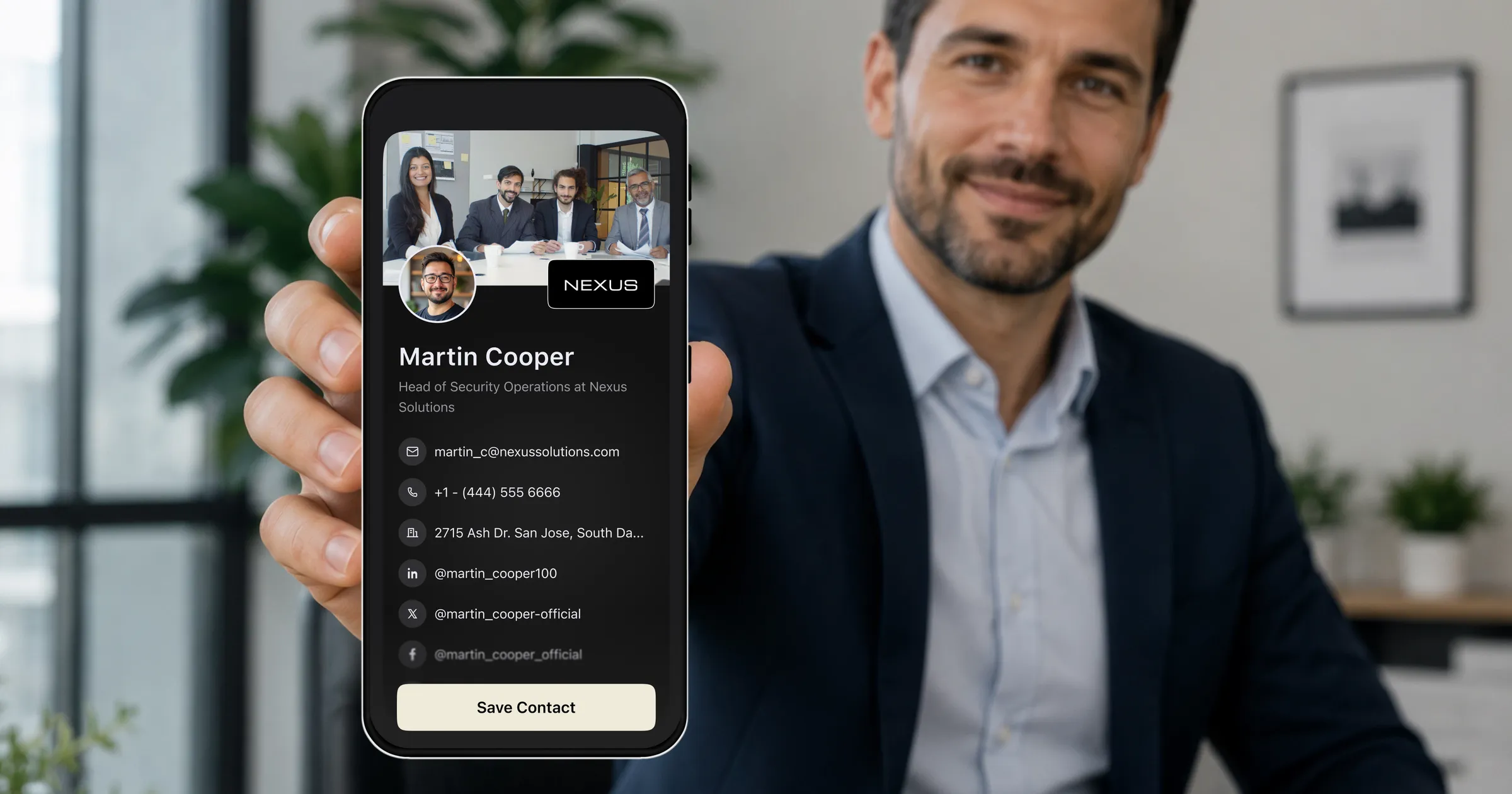

Making a digital business card is genuinely quick: install an app, fill in your details, and share the QR code. Most people are done in about three minutes, and the free tier of a decent platform covers everything you need to start.
The part worth slowing down for is not the setup, it is the handful of decisions inside it. Which contact details you include, what your card looks like in the two seconds after someone scans it, and whether it is actually ready when you need it at an event. Those choices are the difference between a card that gets saved and a card that gets closed.
This guide walks through the five steps, then covers the setup details that make a card work in practice: wallet passes, a print-ready QR code, and separate cards for different contexts.
Prepare these three things first
You can create a card with nothing but your name, but two minutes of preparation makes the result noticeably better.
- A photo of yourself. A clear, well-lit headshot beats a logo for most individuals, because people remember faces from the conversation they just had.
- Your contact details, decided deliberately. Which email, which phone number, and whether you want your mobile on there at all.
- The one link that matters most. Usually LinkedIn, a portfolio, a booking page, or your company site. Pick the one you would want someone to open first.
The five steps
- 1
Install the app and create your account
Download ConnectMachine on your phone and sign up. The free plan covers creating a card and sharing it, so you can complete the whole workflow before deciding on anything paid.
- 2
Fill in your details
Name, job title, company, and the contact methods you chose. Add your photo. If your profession involves credentials, add your license or certification details here, since that is often the first thing a new contact wants to verify.
- 3
Add your links
LinkedIn, your website, a scheduling link if you take meetings, and a review link if your business runs on referrals. Keep the list short enough that the important one is obvious.
- 4
Make it match your brand
Pick a template, set your colors, and add a logo if you are representing a company. This takes a minute and is the difference between looking current and looking like a default template.
- 5
Share it and test it
Show your QR code to a colleague and have them scan it. Check what they see, confirm the save-to-contacts step works, and fix anything that reads awkwardly on their screen rather than yours.
Do not skip step five
Scan your own card before you need it
The recipient's view is the only one that matters, and it is the one creators never look at. Two minutes of testing prevents a broken link discovered halfway through a conference.
Set the reminder while the conversation is still fresh.
Make more than one card if your contexts differ
One ConnectMachine account can hold multiple cards, which is more useful than it first sounds. The details you want a conference stranger to have are not always the details you want a long-term client to have.
- A work card with your title, company, work email, and booking link.
- An event card that leads with what you are looking for rather than your job title.
- A side project or personal card with the links that have nothing to do with your day job.
- A client card that includes the direct line you would not hand to a room of strangers.
Set them up once and pick the right one in the moment. It takes no longer than making a second version of anything else.
Mistakes that get cards ignored
Too many links
Twelve links is not twelve chances to connect, it is a decision you pushed onto someone who has known you for four minutes. Lead with one.
No photo
At an event where someone meets twenty people, your face is the retrieval key for the entire conversation. A logo does not do that job for an individual.
A vague title
Clever job titles do not survive being read by a stranger out of context. Say what you actually do, and save the personality for the conversation.
Sharing it too late
The QR code presented while walking away gets scanned half the time. Show it during the natural pause in conversation instead, while the reason to connect is still in the air.
The bottom line
Three minutes gets you a working digital business card. Five gets you one that is in your wallet, on your LinkedIn, printable, and tested from the other side. That extra two minutes is the whole difference, and you only spend it once.