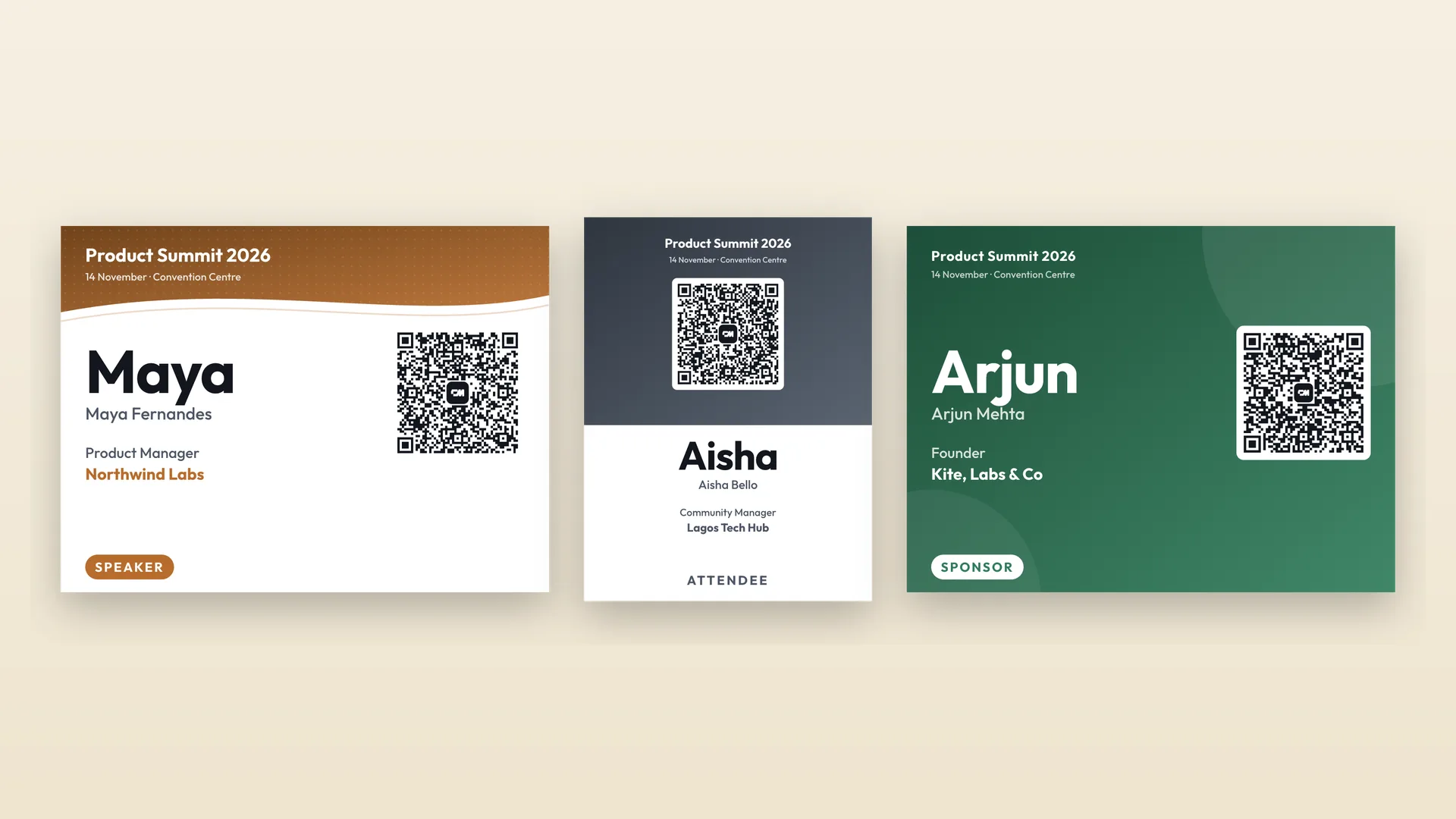

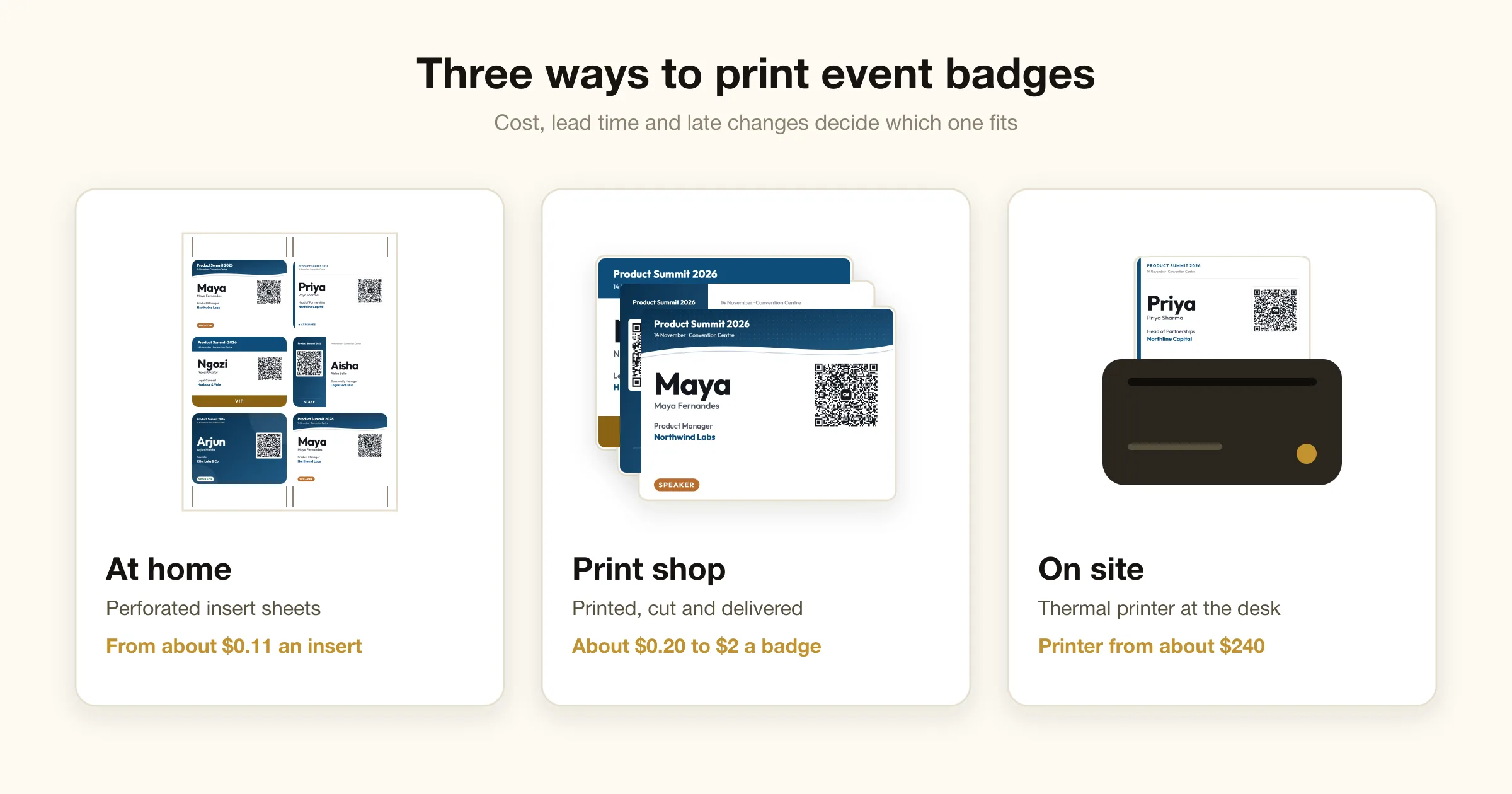
There are three ways to print event badges. Print them yourself on perforated card stock inserts, which costs from about $0.11 a badge plus holders. Order them from a print shop, which runs roughly $0.20 to $2 a badge and takes one to five business days plus shipping. Or print them at check-in on a thermal label printer, which costs $240 to $1,400 for the printer and around $0.11 a badge in stock.
Home printing suits events under a couple of hundred people with a fixed list. A print shop suits larger events that want laminated or full-colour badges and can lock the list a week out. On-site printing is the only option that handles walk-ins and late name changes, and many events combine it with pre-printed badges.
Prices below come from supplier pages checked in October 2026. They change, so treat them as a guide to the order of magnitude, not a quote.
Event badge printing options compared
| At home | Print shop or online | On site at check-in | |
|---|---|---|---|
| Cost per badge | About $0.11 per insert, plus a holder | About $0.20 to $2, depending on material and quantity | About $0.11 in thermal stock, plus a holder |
| Upfront cost | None if you have a printer | None, but minimum orders of 25 to 100 are common | $240 to $1,400 for a printer |
| Lead time | Same day | 1 to 5 business days, plus shipping | Seconds per badge, on the day |
| Late changes and walk-ins | Reprint a sheet | Need a reorder or a handwritten badge | Print on demand |
| Finish | Card stock in a clear holder | Laminated, PVC or full-colour card | Black-only labels unless you buy a colour printer |
| Best for | Under about 200 people, fixed list | Large events, branded badges | Walk-ins, open registration, repeat events |
Printing event badges at home or in the office
This is the cheapest route. You need an inkjet or laser printer, perforated badge insert sheets or heavy card stock, and clear holders.
- 1
Lay out the badges
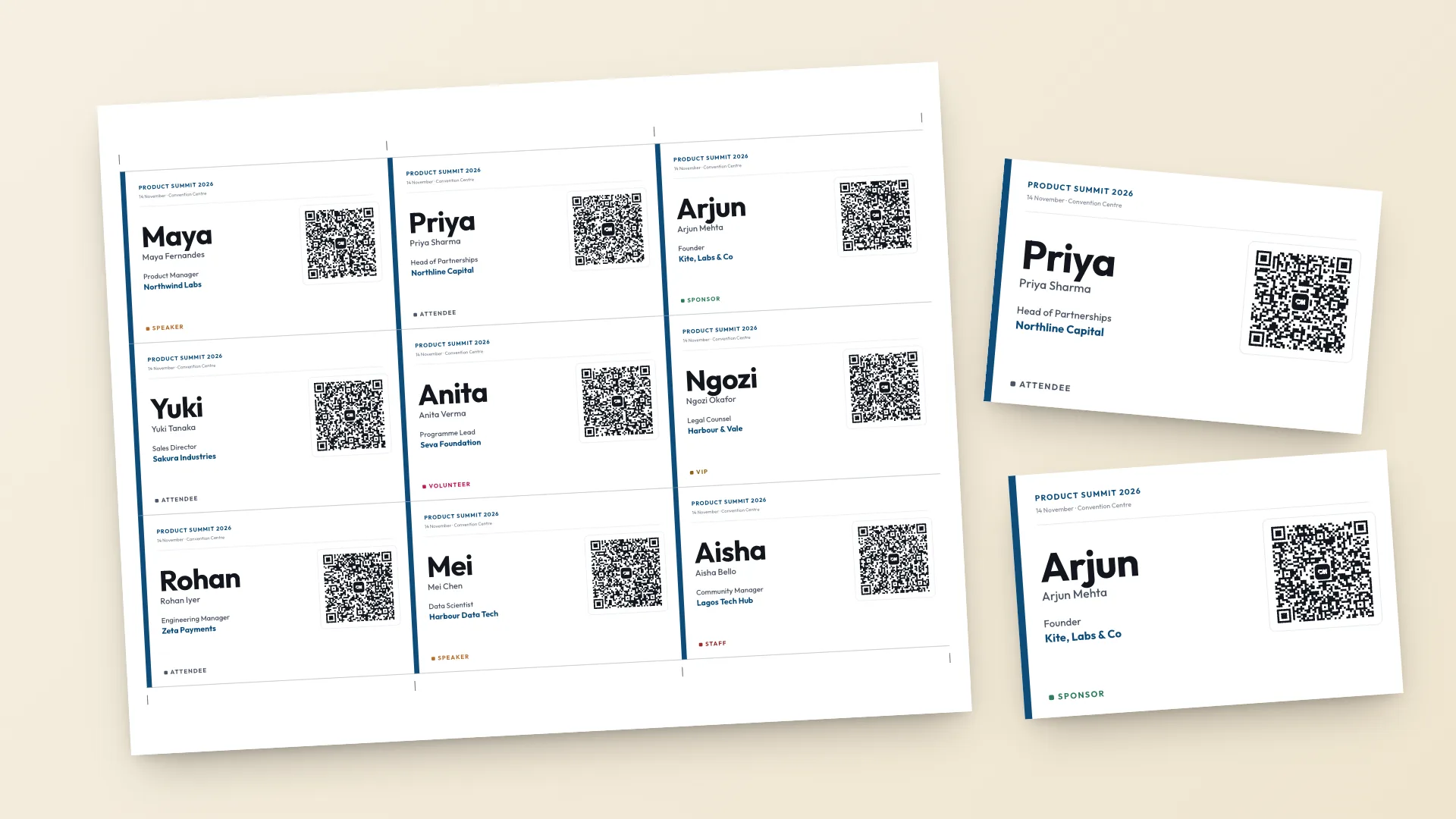
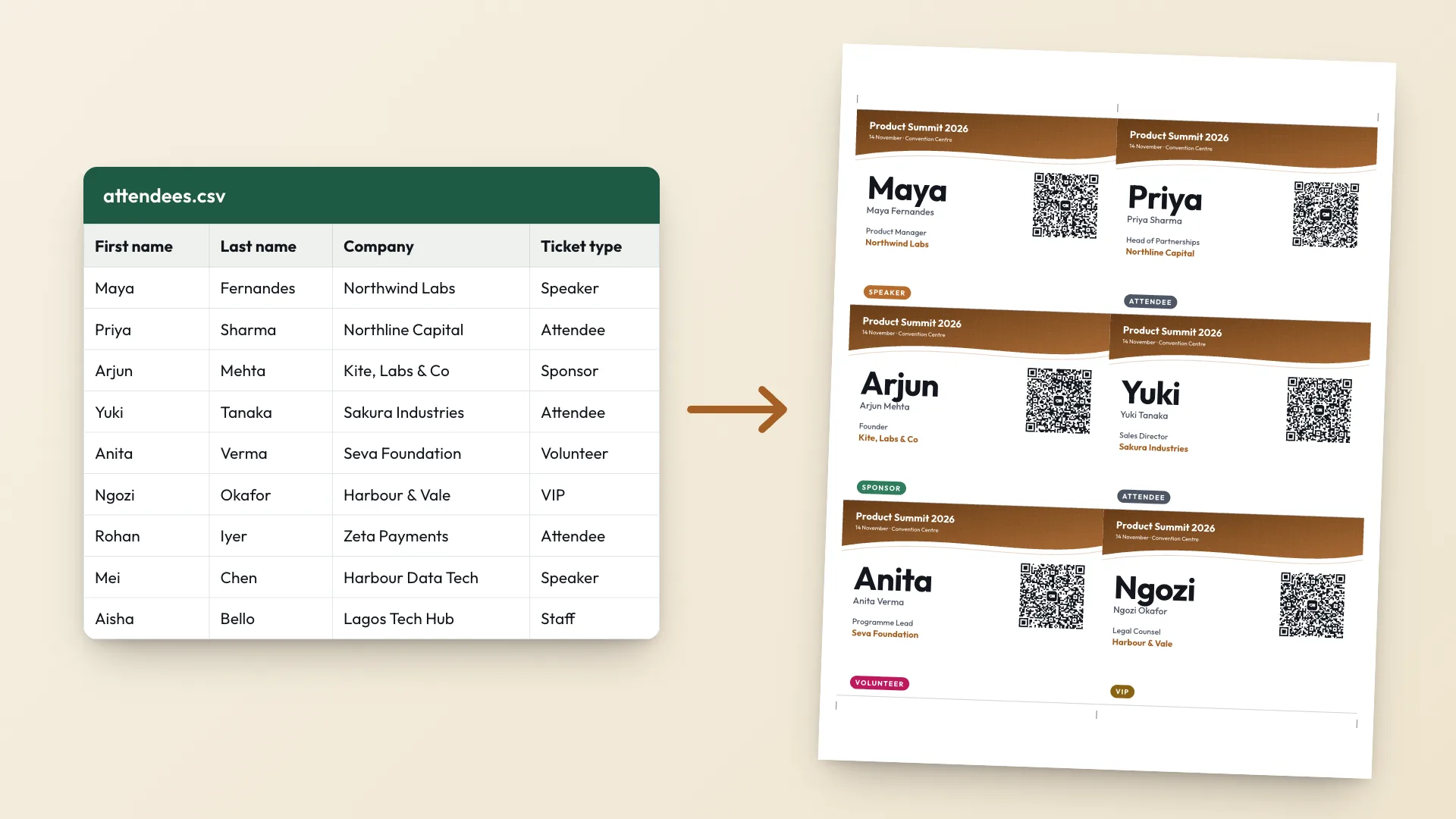
Upload your attendee list to the event badge maker. It creates one badge per row, laid out 6 to a US Letter page or 4 to an A4 page at 4 x 3 inches, with cut marks.
- 2
Load the right stock
Use card stock of 160 to 250 gsm (65 to 110 lb cover) so badges stay flat in the holder, or micro-perforated insert sheets that tear apart without cutting.
- 3
Print at actual size
In the print dialog choose Actual size or 100 percent, never Fit to page. A badge scaled down by a few percent will rattle in its holder.
- 4
Print one test sheet
Check it against a holder, scan two QR codes with different phones, then print the full run.
What home printing costs
Avery's 5392 insert refills, 3 x 4 inch card stock at 6 to a sheet, list at $32.99 for 300 on Avery's site, about $0.11 an insert. Holders cost extra. A pack of 100 Avery holders with neck cords and inserts (74459) lists at $46.99. Ink is the hidden cost. Full-colour headers on every badge use far more of it than a white badge with a coloured stripe.
Working from a spreadsheet? How to make 100 name tags from a spreadsheet walks through the attendee CSV, and printable name tags covers the stick-on kind.
Badge printing at a print shop or online printer
A print shop gives a cleaner finish, with laminated or PVC badges and edge-to-edge colour, and saves your team an evening of tearing perforations. You pay for it in price per badge and in lead time.
| Printer | Product | Price | Turnaround |
|---|---|---|---|
| pc/nametag | 4 x 3 in laminated event badge | $1.84 each at 100, $1.53 at 1,000 | 3 to 5 business days production |
| Eventgroove | Paper event badges, several sizes | About $0.19 to $0.78 each, minimum 50 | Ships within 3 business days |
| ID&C | PVC rush event badges | $1.46 each for 25 to 250 | 3 business days |
| Staples | Custom lanyards and badges | From $1.29 each | Delivery only, time not stated |
- Send a PDF. In the badge maker, select Print badges and choose Save as PDF. Ask the printer whether they want crop marks and bleed.
- Lock the list early. Production time plus shipping means the list is fixed a week or more before the event. Order a few blank badges for walk-ins.
- Check the size against your holders. Some printers offer sizes such as 2.75 x 4 in or 3.5 x 5.5 in, which do not fit a standard 4 x 3 inch holder. Our name badge size guide lists the standard sizes.
On-site badge printing at check-in
On-site printing means each badge prints when the attendee checks in. A typical setup is a direct thermal label printer connected to a check-in app. Direct thermal printers use heat-sensitive stock, so there is no ink or ribbon to buy, but the output is black only.
| Item | Price | Notes |
|---|---|---|
| Brother QL-820NWB label printer | $239.99 at Brother | Compact, prints adhesive name labels |
| Zebra ZD621 direct thermal printer | $1,373 at pc/nametag | Fast, built-in cutter, no macOS support |
| Epson PM-400 colour printer | $600.20 at pc/nametag | Colour inkjet output for small and mid-size events |
| 4 x 3 in direct thermal badge stock | $54 for 500 | About $0.11 a badge, fits 4 x 3 in holders |
The badge cost is low. The real costs are the printer, a laptop or tablet for check-in, someone trained to fix a paper jam with a queue forming, and spare stock. Run a full test print the day before.
The hybrid most events end up using
Badge suppliers describe the same pattern. Billy's Badges calls a hybrid the most common setup: pre-print badges for everyone registered, then print walk-ins and corrections on site.
- Pre-print the registered list at home or at a print shop, sorted by last name so the registration desk can find badges fast.
- Keep a small label printer at the desk for walk-ins, misspellings and job changes.
- If you have no printer on site, bring blank badges and a thick marker. A neat handwritten badge beats a wrong printed one.
Badge holders and lanyards
Budget for holders separately. pc/nametag lists its clear 4 x 3 inch slot holder at $0.14 to $0.30 each depending on quantity, with a minimum order of 100. Holders are named by the insert they take, so order holders and badge size together, and check whether they hang horizontally or vertically.
Stick-on name tags skip holders entirely. For a casual meetup, a sheet of 3.5 x 2.25 inch adhesive labels is cheaper and faster than lanyards.
Badge printing mistakes to avoid
- Printing with Fit to page turned on, so badges come out a few percent small
- Ordering holders and badges separately and finding the orientation does not match
- Glossy stock under bright venue lights, which makes QR codes hard to scan
- A first name too small to read from two metres
- Locking the list with a print shop and leaving no plan for walk-ins
- Running the full batch without one test sheet
The free badge maker handles the layout, cut marks and a QR code on every badge that saves the attendee's contact. Your attendee list stays in your browser and is never uploaded.