
You have a workshop, a team offsite or a community night coming up, and 30 people who don't know each other yet. You need name tags, and you don't want to spend an evening in a design app or hunting for the right label template.
Here is the five-minute version. It works for any small event, from a book club to a 60-person meetup, and the result looks like a real event made it.
The 5-minute version
- 1
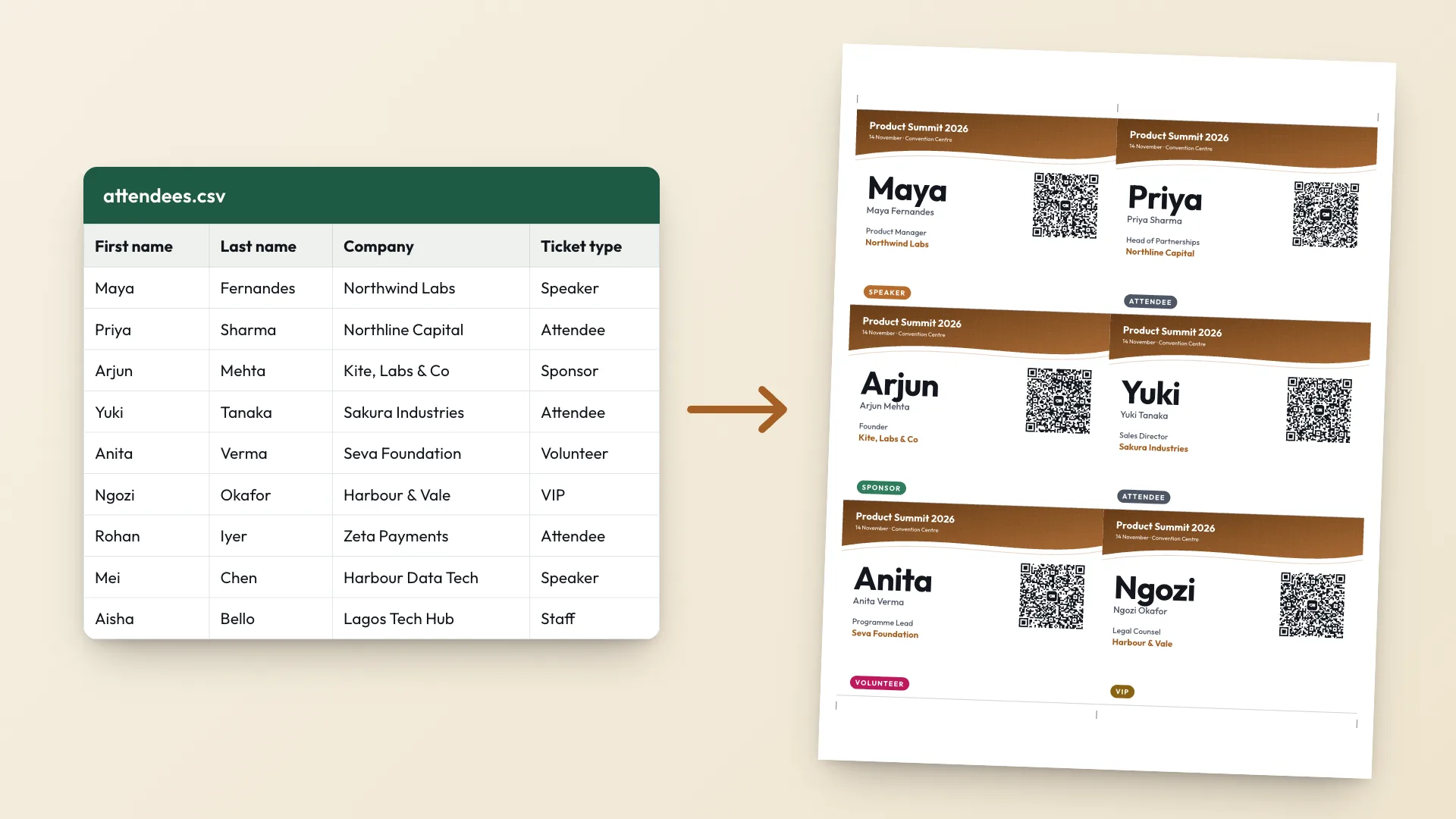
List the names (2 minutes)
Open Google Sheets or Excel. Put
Namein the first cell and one name per row below it. Add aCompanycolumn if it helps people start talking. - 2
Save as CSV (30 seconds)
In Google Sheets, File, Download, Comma separated values. In Excel, File, Save As, CSV UTF-8.
- 3
Upload and pick a template (1 minute)
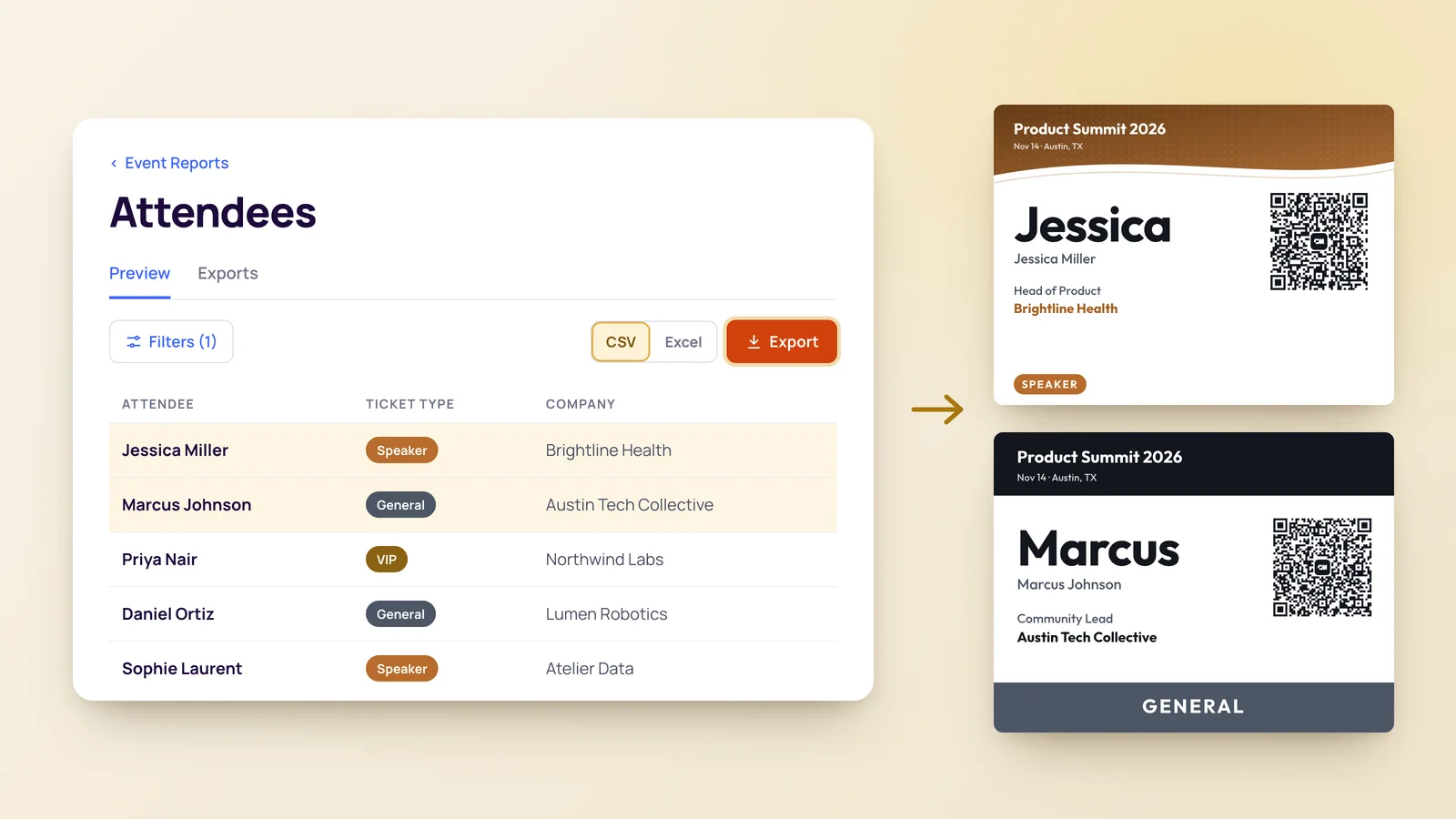
Open the free name tag maker, upload the file, choose the 3.5 x 2.25 in name tag size, a template and a colour.
- 4
Check the preview (30 seconds)
Use the arrows to flip through a few tags, especially the longest names.
- 5
Print (1 minute)
Choose A4 or US Letter, select Print badges, and set the scale to Actual size.
That's it. The maker reads the file in your browser and never uploads it, so the guest list stays on your computer.
Pick a name tag template and size
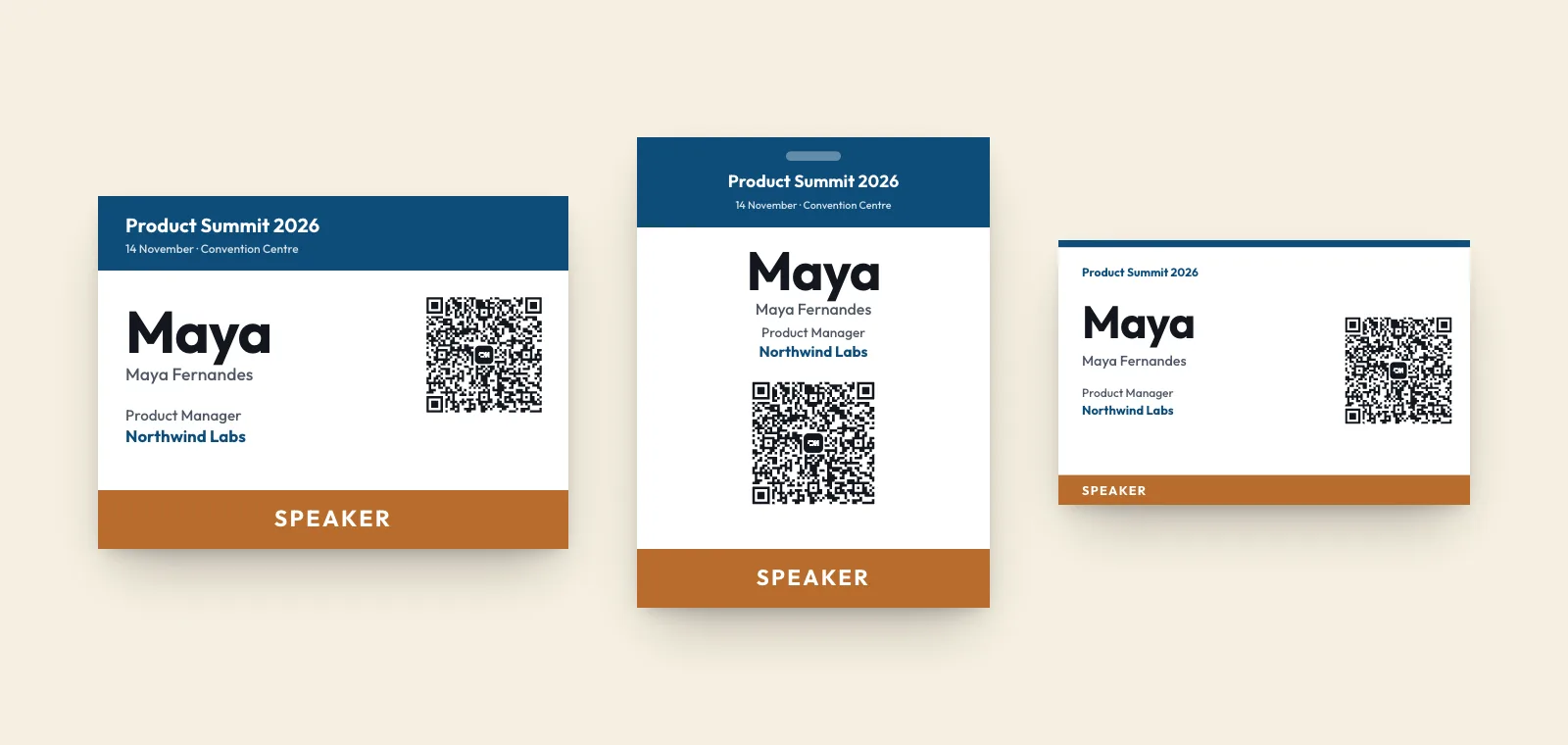
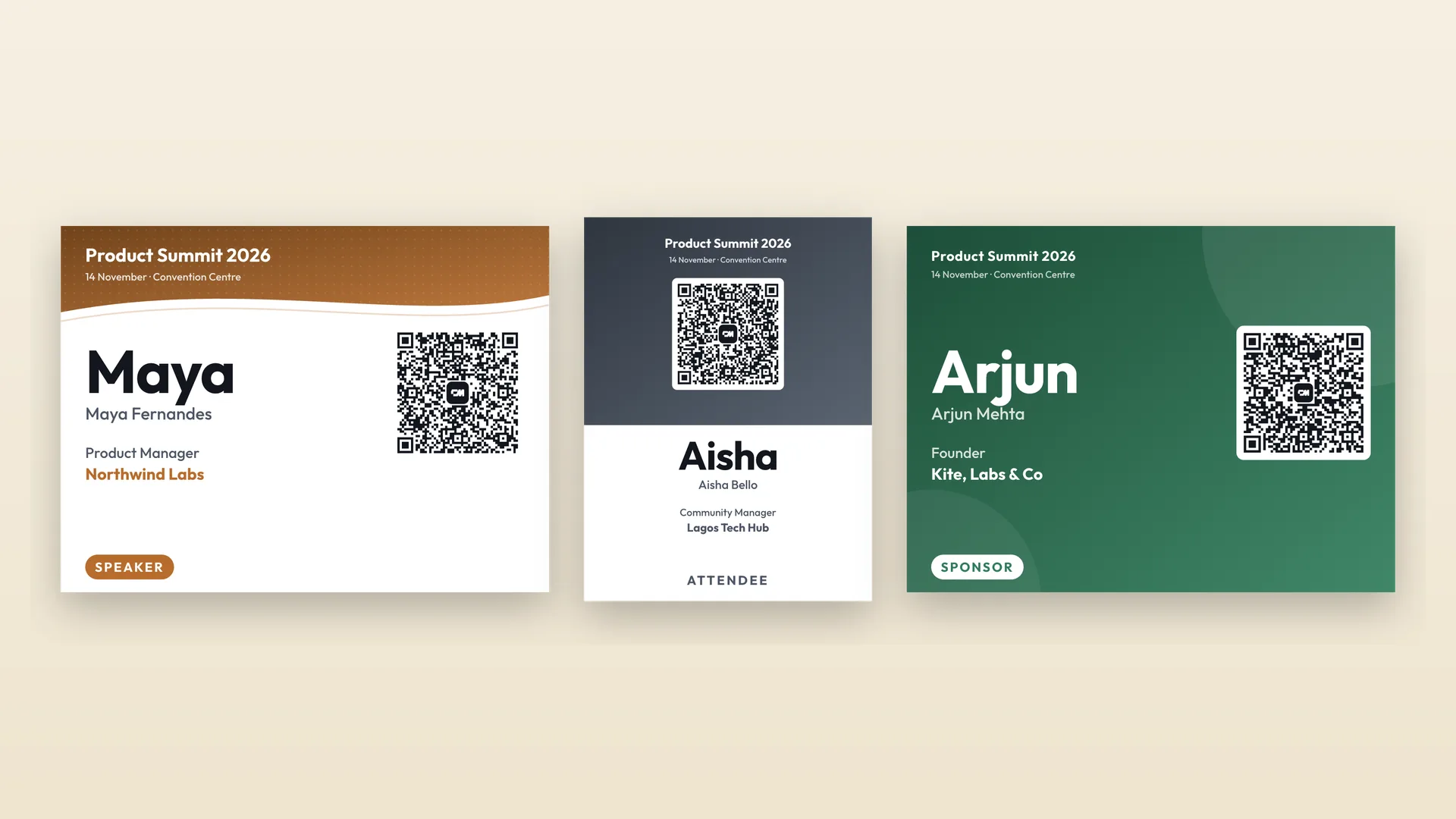
There are five name tag templates: Wave, Bold, Split, Minimal and Classic. Each works in any colour. For an informal event, Minimal or Classic at 3.5 x 2.25 in is the safe pick. That is the usual stick-on name tag size, about the size of a business card.
If people will wear the tags in clear holders on lanyards, switch to 4 x 3 in. That size and the templates are covered in more depth in conference name badges people can actually read.
Paper: card, sticker sheets, or Avery labels
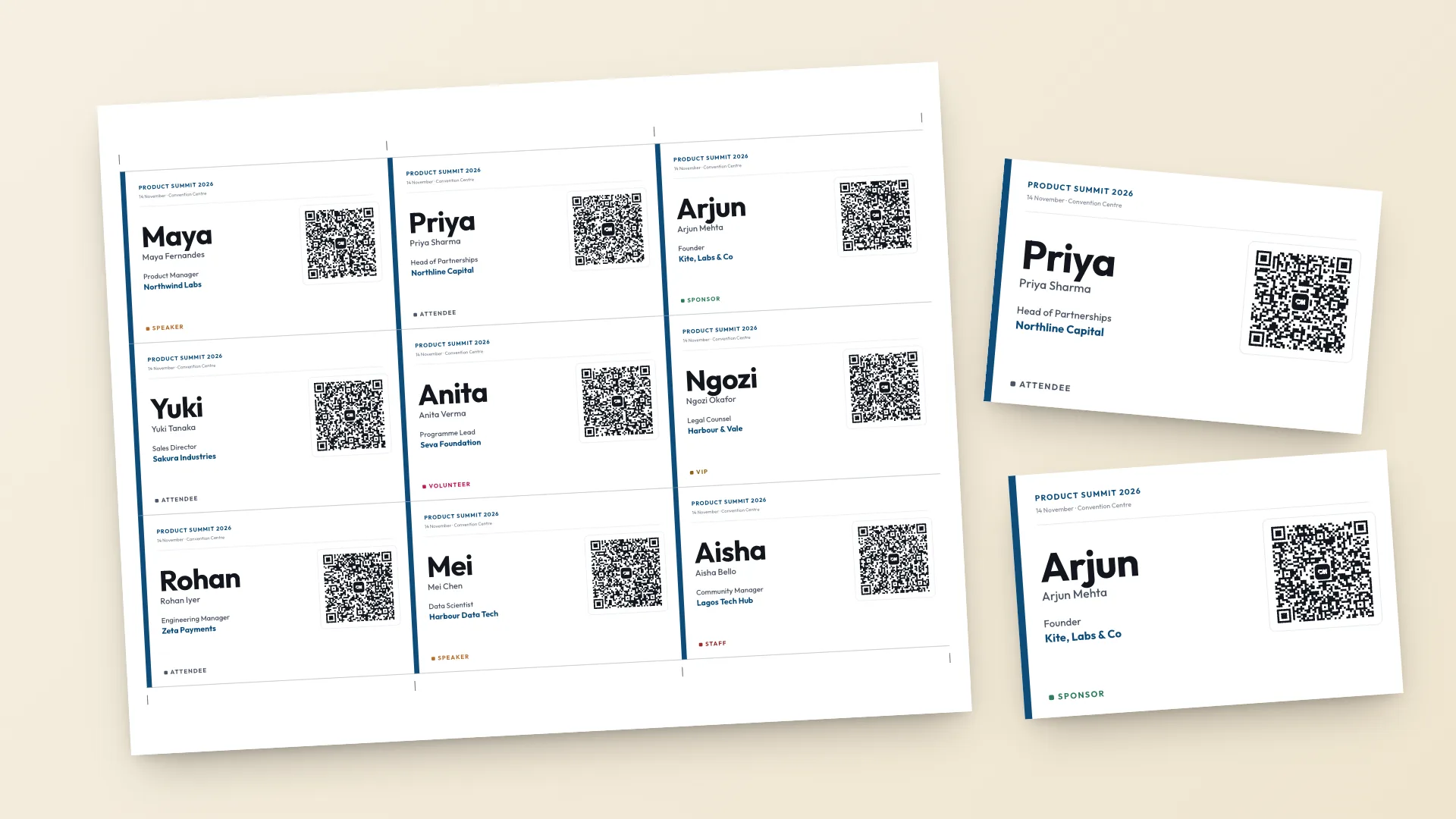
The maker lays tags edge to edge on a plain page with cut marks in the margin, so one straight cut per line separates them. That means you print on a full sheet and cut, not on pre-cut labels.
- Card stock at 160 to 250 gsm, or 65 to 110 lb cover, for tags that go in a holder or get pinned on.
- Full-sheet label paper for stick-on name tags. Print, cut along the marks, peel.
- Plain printer paper works in a pinch with safety pins or tape, but it curls.
These tags don't line up with pre-cut label sheets such as Avery 5395, which are 2-1/3 x 3-3/8 in with 8 per sheet. If you already own a box of those, use Avery's own template for that product number. If you are buying paper anyway, full-sheet labels and a paper trimmer give you cleaner edges and a QR code on every tag.
Print and cut without surprises
- Set the scale to Actual size or 100 percent. Fit to page shrinks every tag.
- Print one test sheet and hold a tag up to a holder or against your shirt before printing the rest.
- Sort the spreadsheet by first or last name before you upload. Tags print in the same order, which makes the welcome table faster.
- Cut with a paper trimmer if you have one. A ruler and craft knife works for a few pages.
- Print three or four spares with a blank name line for walk-ins. A thick marker fills them in.
For bigger runs, or if you are weighing up a print shop, how to print event badges compares home, shop and on-site printing.
What to put on an informal name tag
First name, large. The maker prints the first word of each name biggest, with the full name underneath, so a tag reads well at arm's length even when the guest list has long surnames.
Below that, add one line that gives people something to say. Company and job title work for professional events. For a community event, use the Badge type column as a conversation starter. Any value up to 16 characters prints in its own colour, such as First timer, Host or Rust fan.
Running a Meetup group? How to make name tags for a Meetup covers getting the RSVP list out of Meetup first.
The QR code on every tag
Every tag carries a QR code with that guest's contact. When two people hit it off, one scans the other's tag with a phone camera and saves them, no swapping numbers. You choose which details go in the codes, and phone numbers stay out unless you switch them on.
A name tag helps in the room. Remembering the person a week later is a different problem. How to remember names at networking events covers what to do straight after each conversation.