

Digital business cards for event planners
Digitize your vendor database, record client walkthroughs, and keep past clients warm between event seasons.
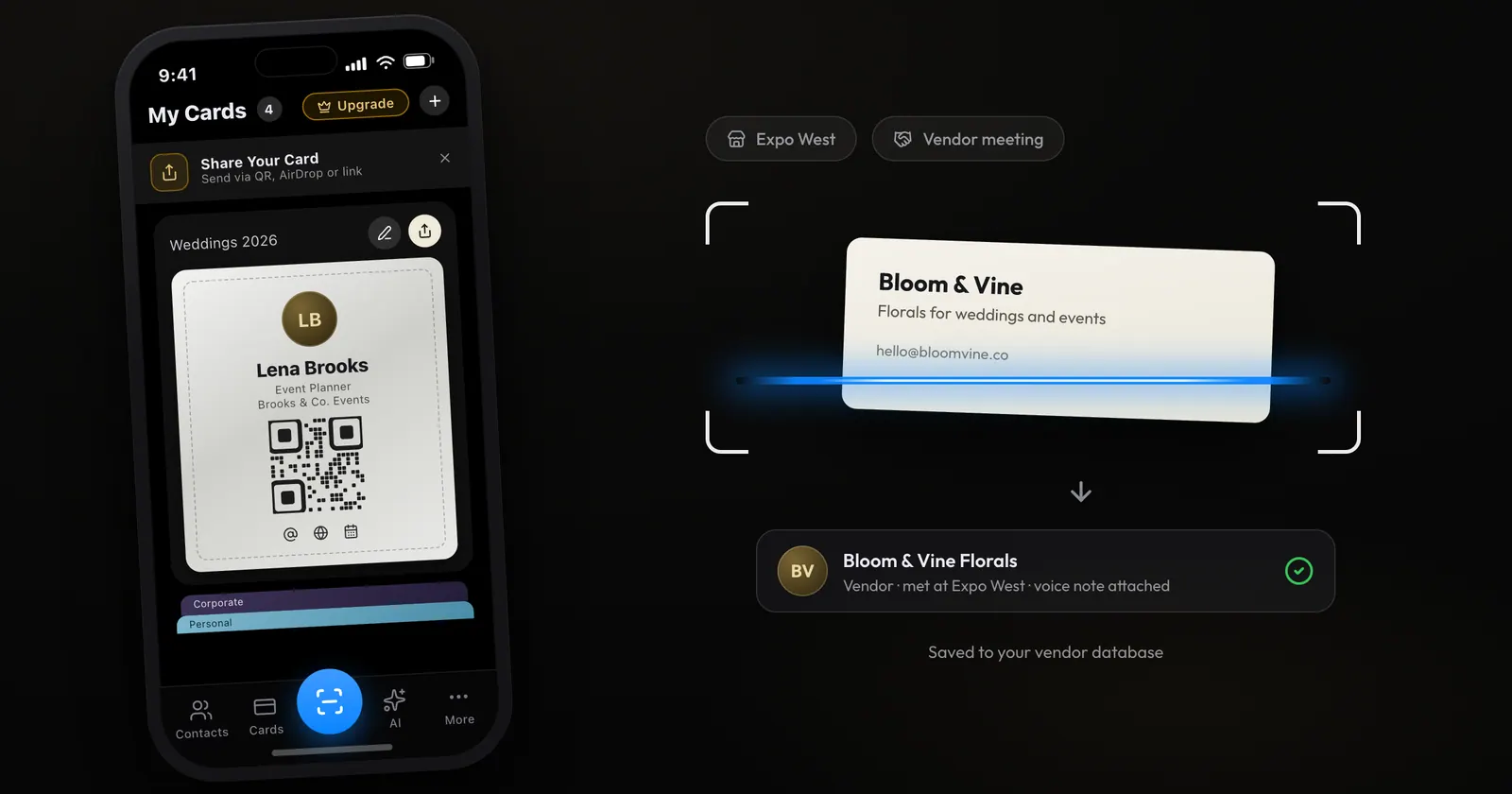
Event planners live in a world of business cards. Every vendor, every venue contact, every past client, every attendee: a mountain of paper that becomes impossible to manage after a busy event season.
ConnectMachine digitizes the whole flow, from vendor management to attendee networking to post-event follow-up.
Digitize your vendor database
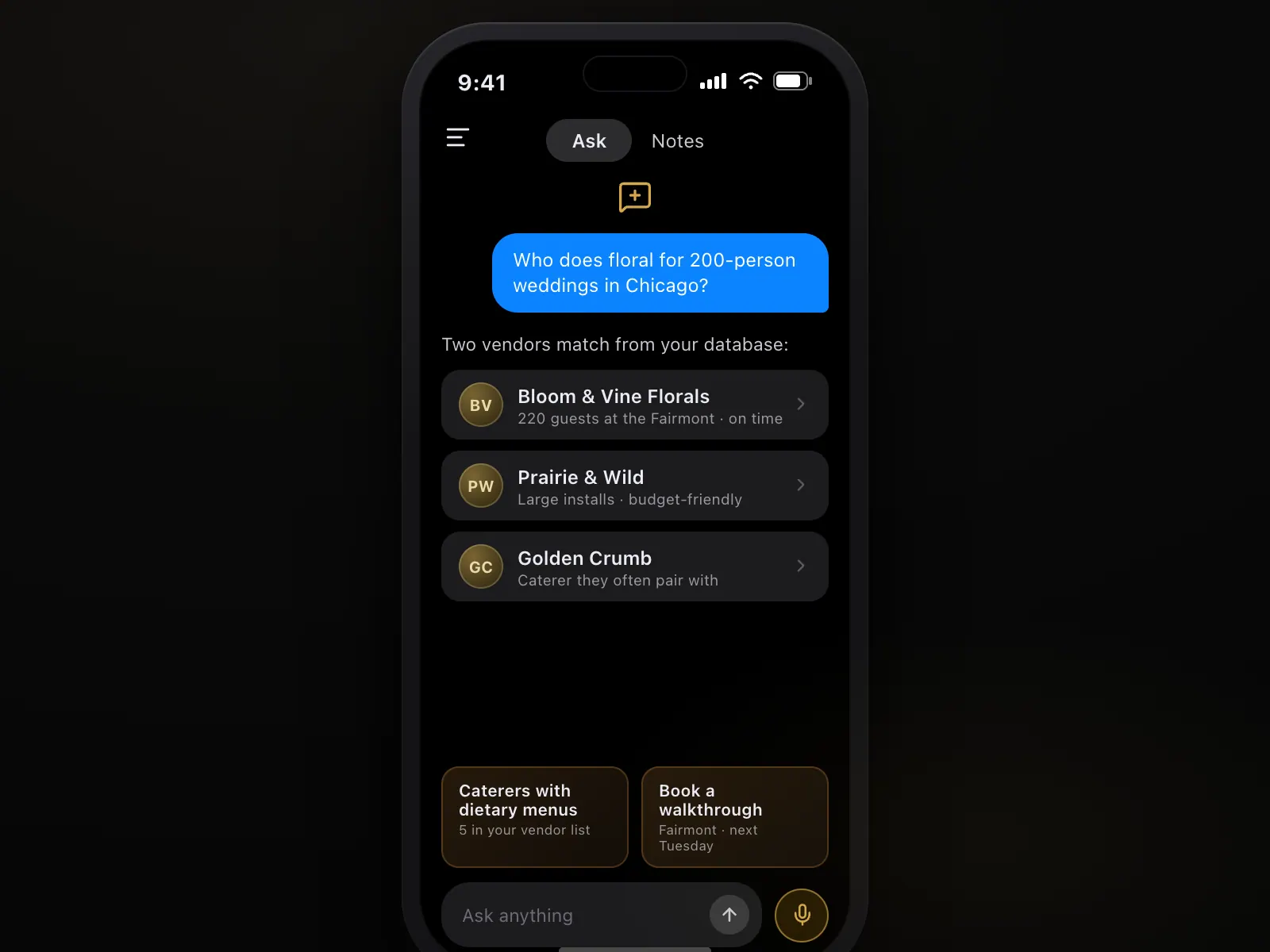
Scan every vendor's business card at trade shows or during vendor meetings. Then ask the AI Concierge who does floral for a 200-person wedding in Chicago, instead of scrolling through a spreadsheet.
Coordinate teams at active events
Your event team members each carry a branded ConnectMachine card, so attendees can connect with any of them without hunting for contact info.
AI Note Taker for client planning sessions
Record client planning meetings and vendor walkthroughs. Transcripts preserve every detail: colors chosen, dietary requirements, timeline commitments. Reference them during execution.
Voice notes on every vendor
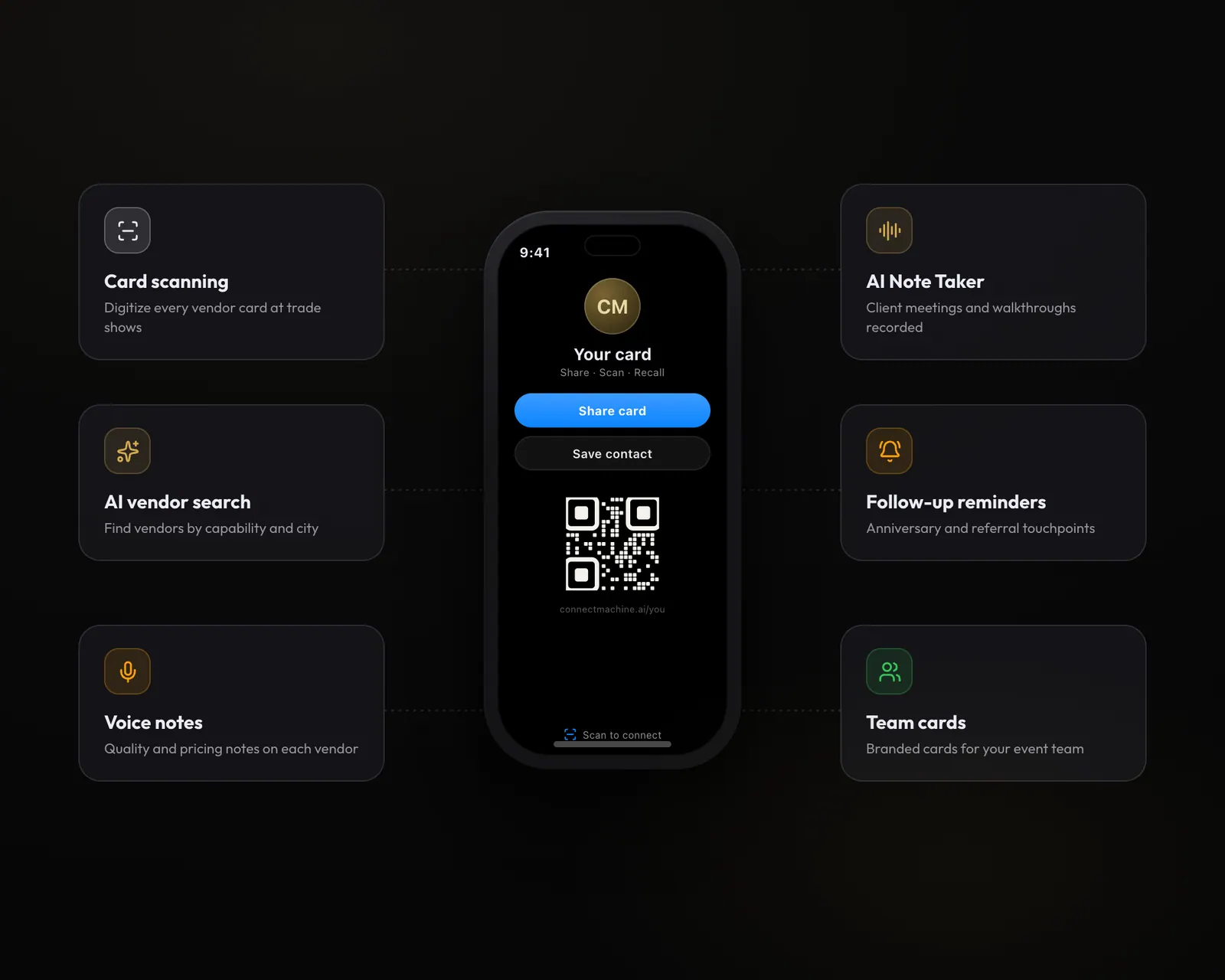
After working with a vendor, record a quick voice note: great baker, delivered on time, but limited flavor options. It stays attached to the vendor's contact for future reference.
Follow-up systems that scale
Set reminders on every past client for anniversary re-engagement, referral requests, and holiday touchpoints. Systematic client nurturing without spreadsheets.
The event planner workflow
- 1Trade shows: scan every vendor and venue business card, with contact info and notes captured
- 2Client meetings: AI Note Taker records planning sessions, with the transcript kept for reference
- 3Vendor walkthroughs: voice notes on quality and pricing for future events
- 4Event execution: team members carry branded cards for attendee contact
- 5Post-event: follow up with past clients and referrals via templated messages
Features for event planners
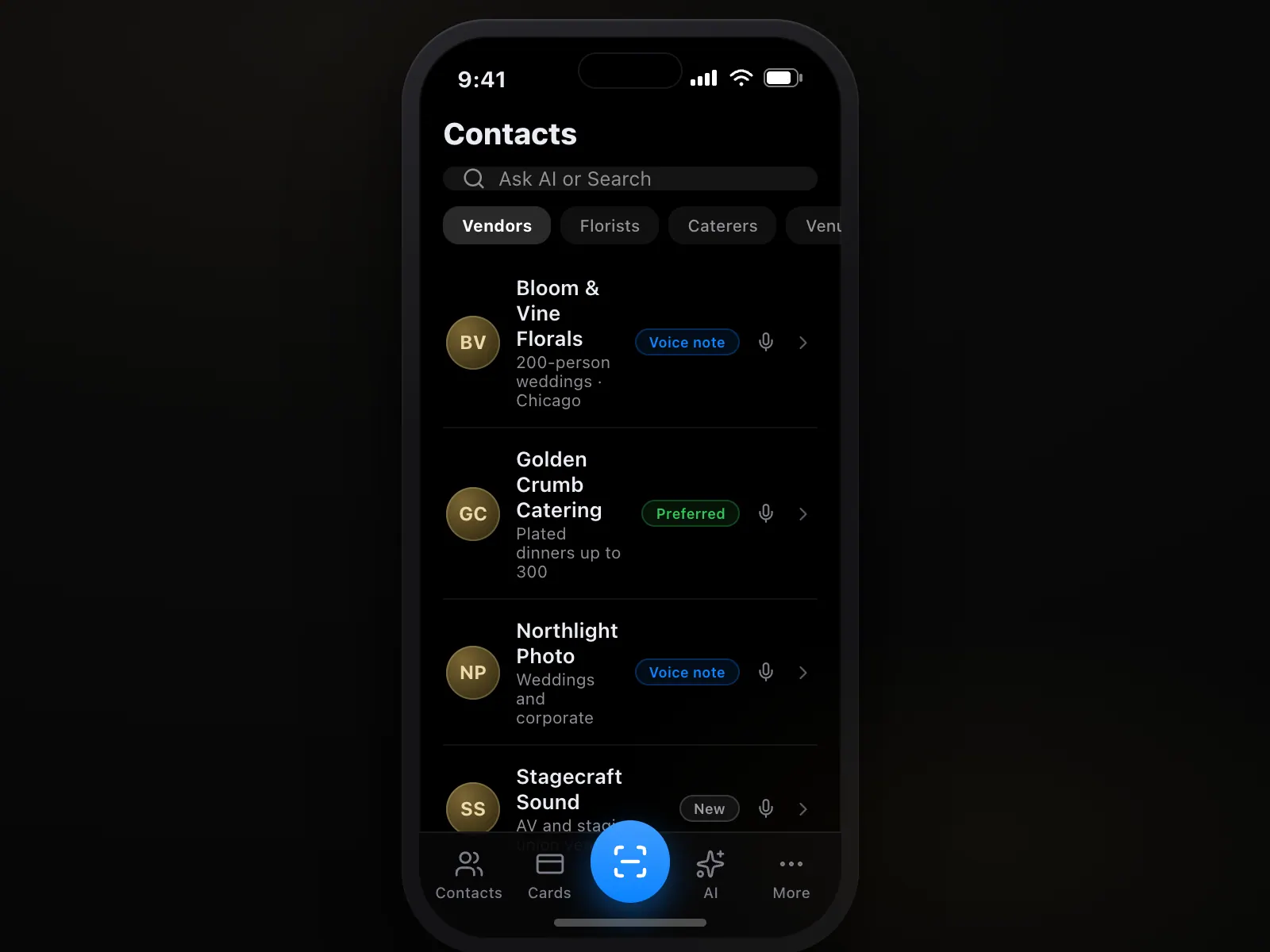
- Business card scanning: digitize your vendor database
- AI Concierge: search vendors by capability and location
- Voice notes: vendor quality and performance notes
- AI Note Taker: record client planning meetings
- Follow-up reminders: anniversary and referral touchpoints
- Team cards on the Team plan: branded cards for the event team
- Custom domain on the Team plan: your own URL for cards
- Contact grouping by event: contacts stay tagged to where you met
- Multi-language: six supported languages for international event work
Wedding planning
Every wedding involves dozens of vendors and a hundred-plus guests. A vendor database with voice notes on each helps you match the right vendors to each couple's needs, and the AI Concierge finds them by capability instantly.
Corporate event planning
For conferences and corporate events, the Team plan lets your event team share branded cards with attendees, while AI Note Taker records planning sessions with corporate clients.
Trade shows and expos
Coordinate exhibitor and vendor relationships. Scan every booth's contact info, and let voice notes capture whether they would fit a future event.
Venue management
Venue managers track every event planner, catering company, and vendor who books their space. The AI Concierge helps identify recurring vendors and manage those relationships.
Frequently asked questions.
Everything people usually ask before switching from paper. Still curious? See the full FAQ.
Yes. Group vendors by category such as florists, caterers, and photographers, and let the AI Concierge filter by industry and location within your contact list.
After wedding season I used to have a shoebox of vendor cards. Now I search for what I need, like a florist who can handle two hundred guests, and the right contact comes up with my notes.
More people like event planners.
Use cases for event planners.
Try ConnectMachine free at your next event or vendor meeting.
Individual planners get full AI features and unlimited scanning for $5.99/mo. The Team plan adds branded team cards and a custom domain for event agencies. The free tier includes 4 cards and 3 scans. See pricing
- Free to start
- No app required for the other person
- Works in five languages